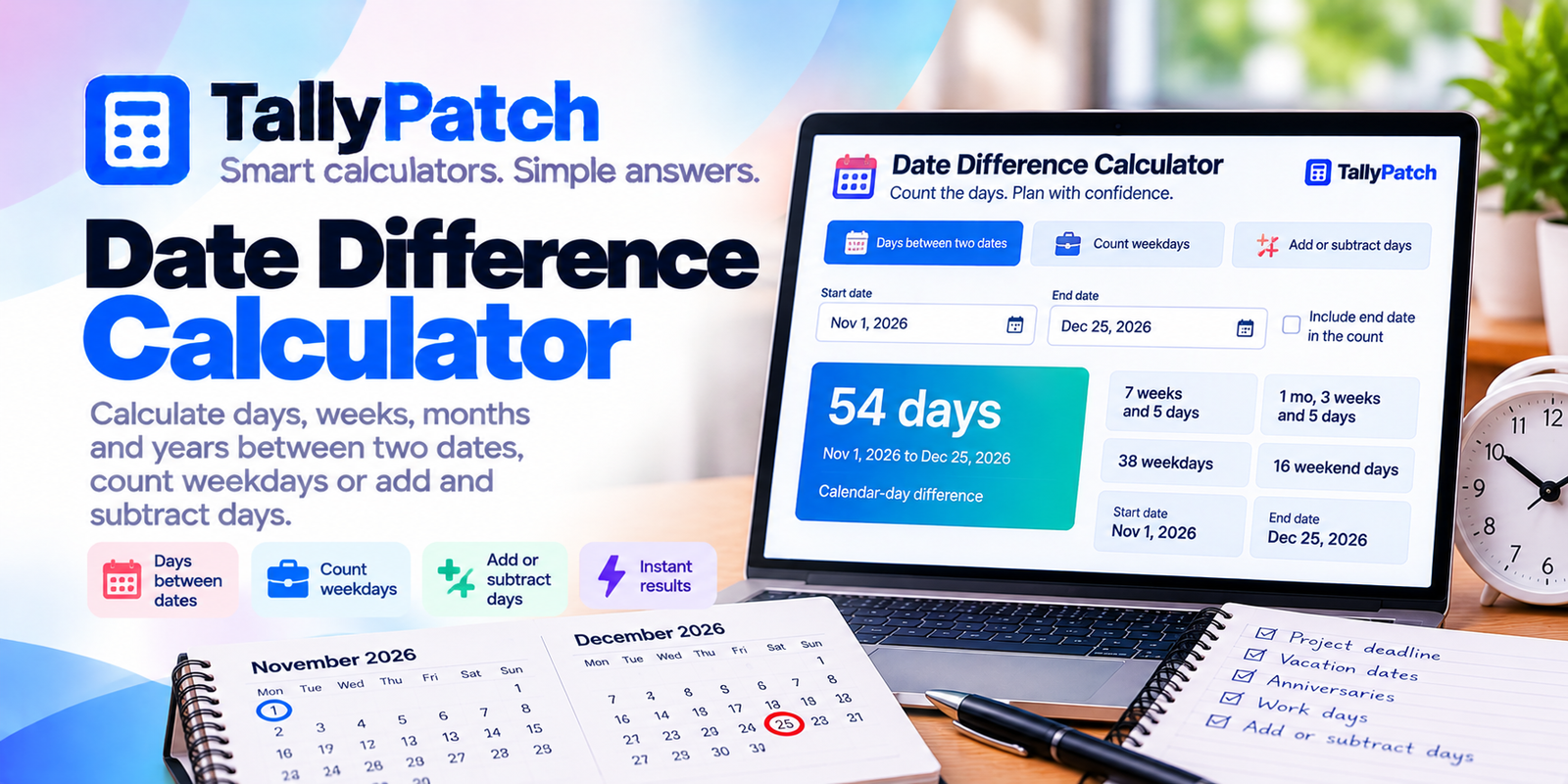
Date Difference Calculator
Count the days. Plan with confidence.
Calculate the time between two dates, count weekdays, or add and subtract days from any date. Perfect for project deadlines, travel plans, anniversaries and everyday scheduling.
📆 Choose your calculation
The calculator counts forward between the earlier and later date, even if you enter them in reverse order. By default, the start date is excluded and the end date is included.
⚡ Quick examples
⚙️ Calculation assumptions
Date calculations use calendar dates rather than elapsed hours. This avoids daylight-saving-time errors when counting days.
Weekdays mean Monday through Friday. Public holidays are not automatically excluded. Date differences use the Gregorian calendar, including leap years.
The calendar breakdown shows complete calendar years, months and remaining days between the dates. When the end date is included, the additional day is reflected in the count and breakdown.
🧠 How to calculate the difference between dates
The simplest way to calculate a date difference is to count the calendar days from one date to another. For example, November 1 to November 8 is seven elapsed calendar days.
To count both the start and end dates inclusively, add one to the elapsed-day difference.
🧮 Example: November 1 to Christmas Day
Suppose you want to know how many days there are between November 1, 2026 and December 25, 2026.
There are 54 elapsed calendar days, or 55 days when counting both dates inclusively.
💼 How are weekdays calculated?
The weekday mode counts Mondays, Tuesdays, Wednesdays, Thursdays and Fridays within the selected interval. Saturdays and Sundays are excluded, but statutory holidays are not.
This is useful for estimating working days between project milestones, although businesses may have different schedules and holiday calendars.
📆 What about leap years?
Leap years have 366 days instead of 365, with February 29 added to the calendar. This calculator handles leap days automatically.
💡 Frequently Asked Questions
Enter a start date and an end date. The calculator displays the number of elapsed calendar days, with an option to include the end date in an inclusive count.
In weekday mode, yes. Only Monday through Friday are counted. In regular date-difference mode, weekends are included in the total calendar days.
No. Public holidays vary by country, region and employer. The weekday calculation excludes weekends only.
Yes. February 29 is included automatically when the selected date range crosses a leap day.
Yes. Choose Add or Subtract Days, enter today’s date and enter 90. The result will show the date 90 calendar days later.
It adds the ending calendar date to the count. For example, November 1 through November 3 contains two elapsed days but three dates when counted inclusively.